
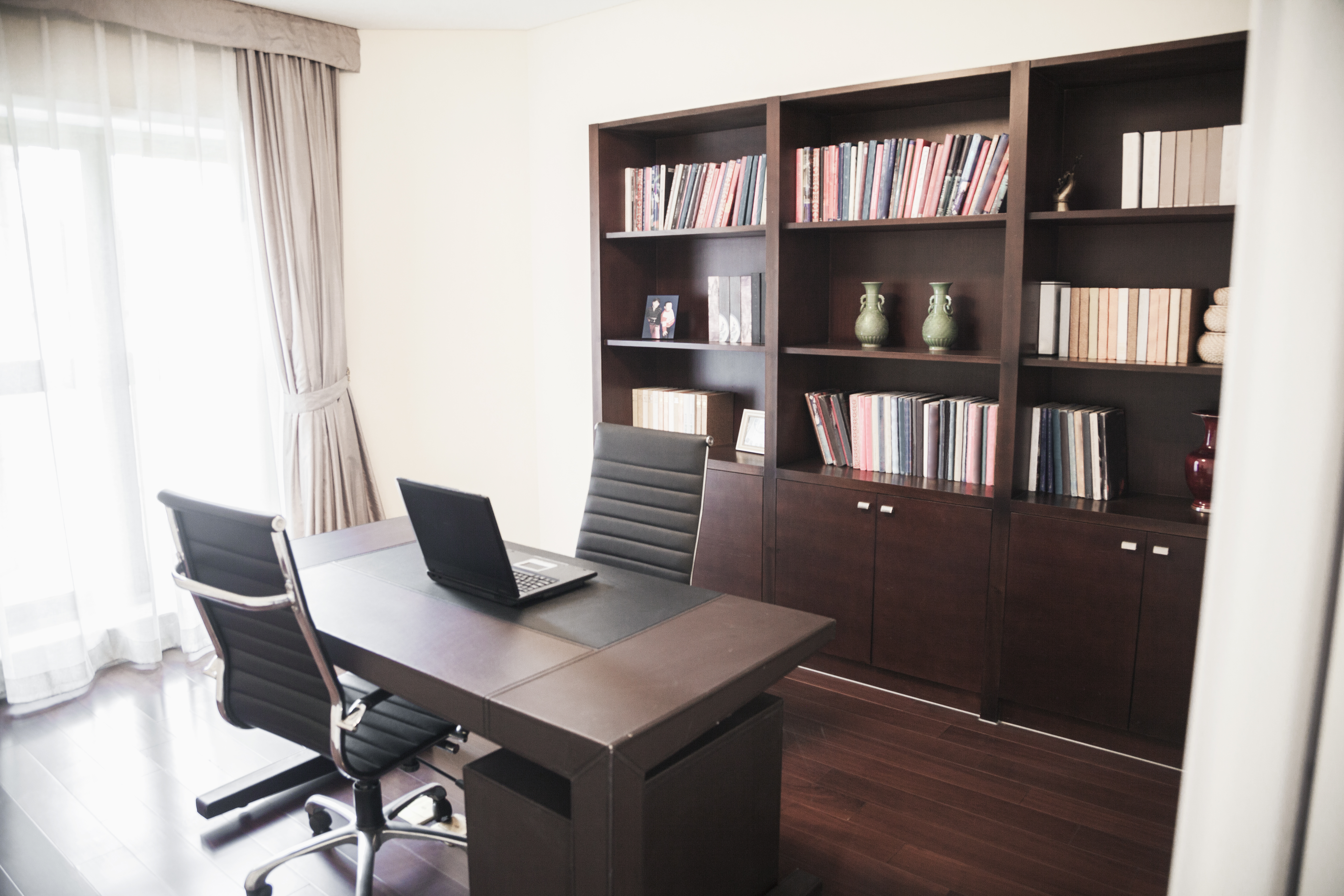
 Take a moment to try to picture your life without computers. Its a completely different existence, isnt it? No more smartphones, tablets, netbooks, laptops, or desktop computers . . . think of all the conveniences you would lose. No matter how you spend your time here in Puyallup work, school, or play computers probably make it easier or more enjoyable.
The computers in our lives tend to be wonderful, helpful things, whether were looking to work more efficiently or relax and have fun. So its always a good idea to take good care of your computersthose things can be expensive to replace, after all! And of all the computers in our lives, larger portable computers like laptops and netbooks tend to be the easiest to break or wear out while being costly to repair or replace. Here at Willow Hill, we want to do all we can to help you to live connectedso heres a few tips for caring for your portable computer.
Run your laptop on a smooth hard surface. They may be called laptops, but your lap isnt the best place for them. Pillows, blankets, and other soft, uneven surfaces can block airflow out of your computer and cause it to overheat, which is one of the biggest contributors to computer failure.
Put your computer to sleep before putting it in your bag. Just because you closed the lid does not mean the hard drive has stoppedit can take several seconds for the hard drive to shut down. And while that hard drive is spinning, it is more vulnerable to being damaged if the computer is moved or bumped.
Dont leave it plugged in all the time. Being plugged in all the time isnt good for your computers battery. If you were to remain sitting all day, every day, your muscles would begin to atrophy from lack of useits kind of the same for your laptops battery. It needs to get out and get some exercise now and then. Plus, unplugging the laptop regularly can save on your electricity bill!
Clean out your computer every year or so. We dont mean to delete unwanted filesget yourself a can of compressed air, a laptop vacuum, and some cotton swabs and clean out the vents and openings of the computer. Dust buildup is a major cause of computer overheating and failure.
Shut down the computer once a week. Most computers are programmed to perform standard self-maintenance when they shut down and reboot, such as clearing caches and short-term memory or installing system updates. You might be surprised how many problems this can fix!
Did we miss any great computer care tips? Please let us know in the comments!
Take a moment to try to picture your life without computers. Its a completely different existence, isnt it? No more smartphones, tablets, netbooks, laptops, or desktop computers . . . think of all the conveniences you would lose. No matter how you spend your time here in Puyallup work, school, or play computers probably make it easier or more enjoyable.
The computers in our lives tend to be wonderful, helpful things, whether were looking to work more efficiently or relax and have fun. So its always a good idea to take good care of your computersthose things can be expensive to replace, after all! And of all the computers in our lives, larger portable computers like laptops and netbooks tend to be the easiest to break or wear out while being costly to repair or replace. Here at Willow Hill, we want to do all we can to help you to live connectedso heres a few tips for caring for your portable computer.
Run your laptop on a smooth hard surface. They may be called laptops, but your lap isnt the best place for them. Pillows, blankets, and other soft, uneven surfaces can block airflow out of your computer and cause it to overheat, which is one of the biggest contributors to computer failure.
Put your computer to sleep before putting it in your bag. Just because you closed the lid does not mean the hard drive has stoppedit can take several seconds for the hard drive to shut down. And while that hard drive is spinning, it is more vulnerable to being damaged if the computer is moved or bumped.
Dont leave it plugged in all the time. Being plugged in all the time isnt good for your computers battery. If you were to remain sitting all day, every day, your muscles would begin to atrophy from lack of useits kind of the same for your laptops battery. It needs to get out and get some exercise now and then. Plus, unplugging the laptop regularly can save on your electricity bill!
Clean out your computer every year or so. We dont mean to delete unwanted filesget yourself a can of compressed air, a laptop vacuum, and some cotton swabs and clean out the vents and openings of the computer. Dust buildup is a major cause of computer overheating and failure.
Shut down the computer once a week. Most computers are programmed to perform standard self-maintenance when they shut down and reboot, such as clearing caches and short-term memory or installing system updates. You might be surprised how many problems this can fix!
Did we miss any great computer care tips? Please let us know in the comments! Laptop Care Tips for Your Puyallup Apartment
 Take a moment to try to picture your life without computers. Its a completely different existence, isnt it? No more smartphones, tablets, netbooks, laptops, or desktop computers . . . think of all the conveniences you would lose. No matter how you spend your time here in Puyallup work, school, or play computers probably make it easier or more enjoyable.
The computers in our lives tend to be wonderful, helpful things, whether were looking to work more efficiently or relax and have fun. So its always a good idea to take good care of your computersthose things can be expensive to replace, after all! And of all the computers in our lives, larger portable computers like laptops and netbooks tend to be the easiest to break or wear out while being costly to repair or replace. Here at Willow Hill, we want to do all we can to help you to live connectedso heres a few tips for caring for your portable computer.
Run your laptop on a smooth hard surface. They may be called laptops, but your lap isnt the best place for them. Pillows, blankets, and other soft, uneven surfaces can block airflow out of your computer and cause it to overheat, which is one of the biggest contributors to computer failure.
Put your computer to sleep before putting it in your bag. Just because you closed the lid does not mean the hard drive has stoppedit can take several seconds for the hard drive to shut down. And while that hard drive is spinning, it is more vulnerable to being damaged if the computer is moved or bumped.
Dont leave it plugged in all the time. Being plugged in all the time isnt good for your computers battery. If you were to remain sitting all day, every day, your muscles would begin to atrophy from lack of useits kind of the same for your laptops battery. It needs to get out and get some exercise now and then. Plus, unplugging the laptop regularly can save on your electricity bill!
Clean out your computer every year or so. We dont mean to delete unwanted filesget yourself a can of compressed air, a laptop vacuum, and some cotton swabs and clean out the vents and openings of the computer. Dust buildup is a major cause of computer overheating and failure.
Shut down the computer once a week. Most computers are programmed to perform standard self-maintenance when they shut down and reboot, such as clearing caches and short-term memory or installing system updates. You might be surprised how many problems this can fix!
Did we miss any great computer care tips? Please let us know in the comments!
Take a moment to try to picture your life without computers. Its a completely different existence, isnt it? No more smartphones, tablets, netbooks, laptops, or desktop computers . . . think of all the conveniences you would lose. No matter how you spend your time here in Puyallup work, school, or play computers probably make it easier or more enjoyable.
The computers in our lives tend to be wonderful, helpful things, whether were looking to work more efficiently or relax and have fun. So its always a good idea to take good care of your computersthose things can be expensive to replace, after all! And of all the computers in our lives, larger portable computers like laptops and netbooks tend to be the easiest to break or wear out while being costly to repair or replace. Here at Willow Hill, we want to do all we can to help you to live connectedso heres a few tips for caring for your portable computer.
Run your laptop on a smooth hard surface. They may be called laptops, but your lap isnt the best place for them. Pillows, blankets, and other soft, uneven surfaces can block airflow out of your computer and cause it to overheat, which is one of the biggest contributors to computer failure.
Put your computer to sleep before putting it in your bag. Just because you closed the lid does not mean the hard drive has stoppedit can take several seconds for the hard drive to shut down. And while that hard drive is spinning, it is more vulnerable to being damaged if the computer is moved or bumped.
Dont leave it plugged in all the time. Being plugged in all the time isnt good for your computers battery. If you were to remain sitting all day, every day, your muscles would begin to atrophy from lack of useits kind of the same for your laptops battery. It needs to get out and get some exercise now and then. Plus, unplugging the laptop regularly can save on your electricity bill!
Clean out your computer every year or so. We dont mean to delete unwanted filesget yourself a can of compressed air, a laptop vacuum, and some cotton swabs and clean out the vents and openings of the computer. Dust buildup is a major cause of computer overheating and failure.
Shut down the computer once a week. Most computers are programmed to perform standard self-maintenance when they shut down and reboot, such as clearing caches and short-term memory or installing system updates. You might be surprised how many problems this can fix!
Did we miss any great computer care tips? Please let us know in the comments!